
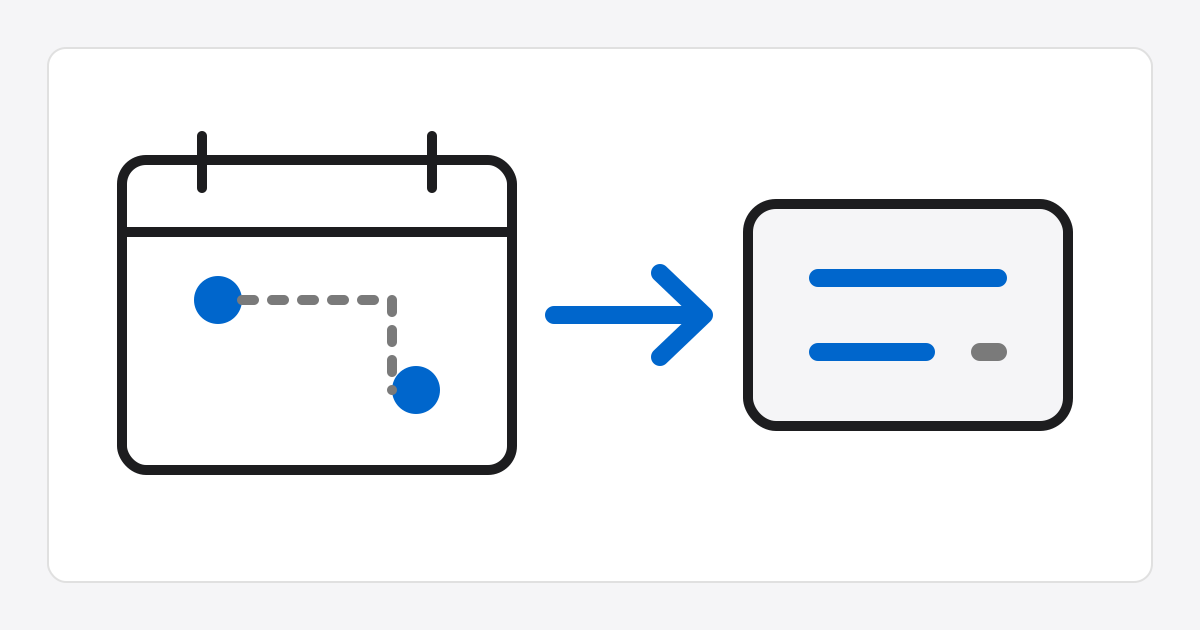
Date Calculator
How to use
- In
Between two dates, select the start and end dates, then clickCalculate duration. - The duration is calculated as
end date - start date. Selecting the same date shows0 days. - In
Date before or after a base date, enter the base date, direction, months, and days, then calculate. - Use the copy button below the result summary to save the text result to the clipboard.
Date calculation rules
Month offsets use calendar months; when the target month has no matching day, the date is adjusted to that month's last day.
This tool calculates calendar date differences and offsets only; it does not account for holidays or business days.