Utility workspace

OG Preview - My Tools

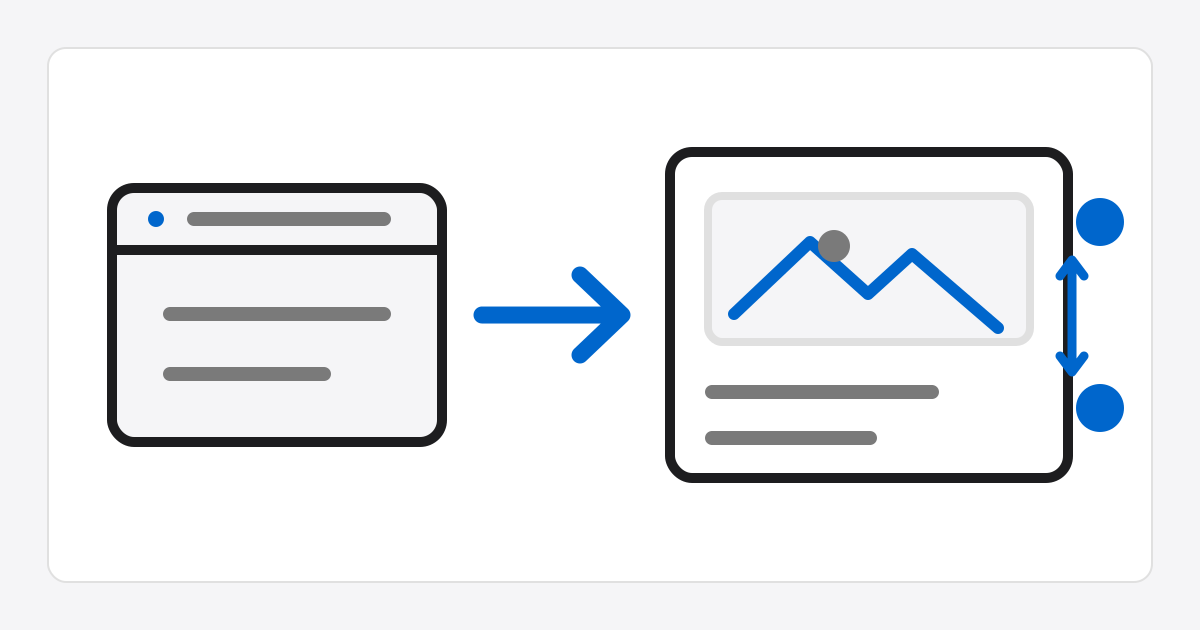
Safely fetch Open Graph and Twitter metadata from a public web page to inspect and edit a social sharing card preview online.

OG Preview

Manual editing

Edit fetched or manually entered values directly to update the card on the right immediately.

Live preview

website

OG title preview

The description fetched from or entered directly for the URL appears here.

Example Sitehttps://example.com/article

How to use

  • Enter a public web page URL and click Fetch OG Information; the server safely fetches only metadata tags.
  • You can edit the title, description, display URL, image URL, site name, and type directly; changes appear in the preview immediately.
  • The browser loads the entered image URL directly; the server does not proxy or download the image.