
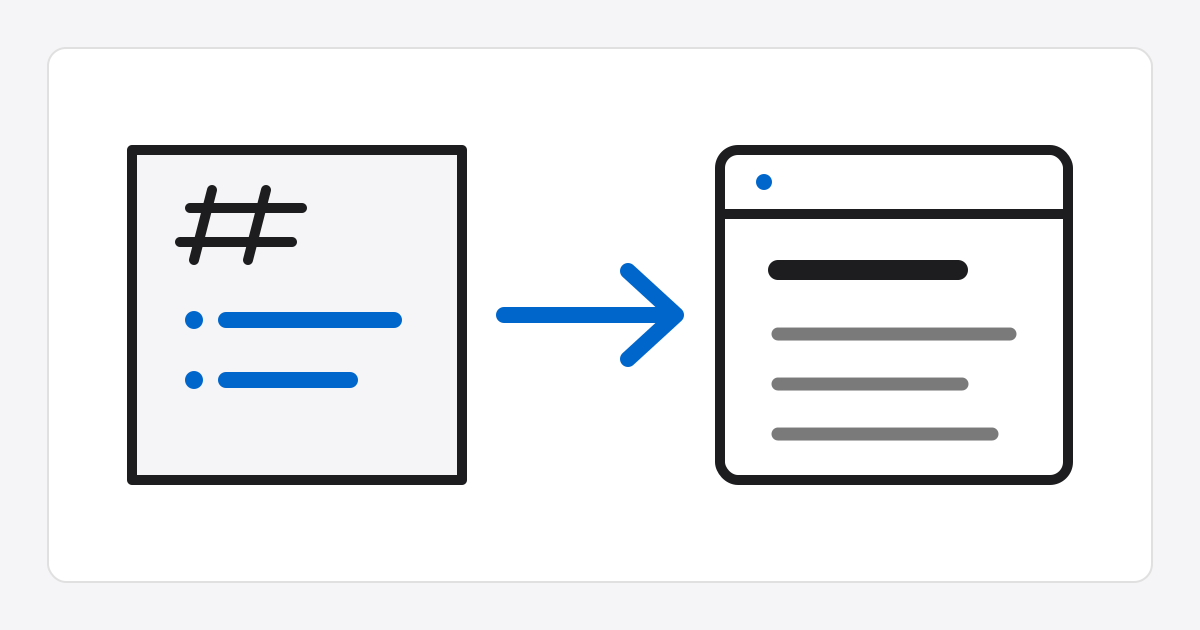
Markdown HTML Converter
How to use
- Enter a Markdown document and click
Convert to HTMLto generate sanitized HTML source on the server. - Use the
Copybutton in the result area to save the generated HTML source to the clipboard. Popup previewopens the last conversion result in a sandboxed iframe so you can inspect its rendering.Download .htmlwraps the converted content in a minimal HTML document and saves it as a file.- Unsafe raw HTML in the source Markdown is cleaned by the conversion API, but review the result source once more before publishing it externally.
Preview details
The preview popup applies document styles so headings, paragraphs, tables, blockquotes, code blocks, lists, task lists, and links are easy to read.
The iframe uses only sandbox without script execution permission, so converted HTML is not inserted directly into the parent page DOM.