
Text Diff Checker
How to use
Original text: Enter the reference content.Comparison text: Enter the changed content.- Choose whether to compare changes by word or character.
- Click
Compareto highlight deleted and added parts in color.
What is text diff?
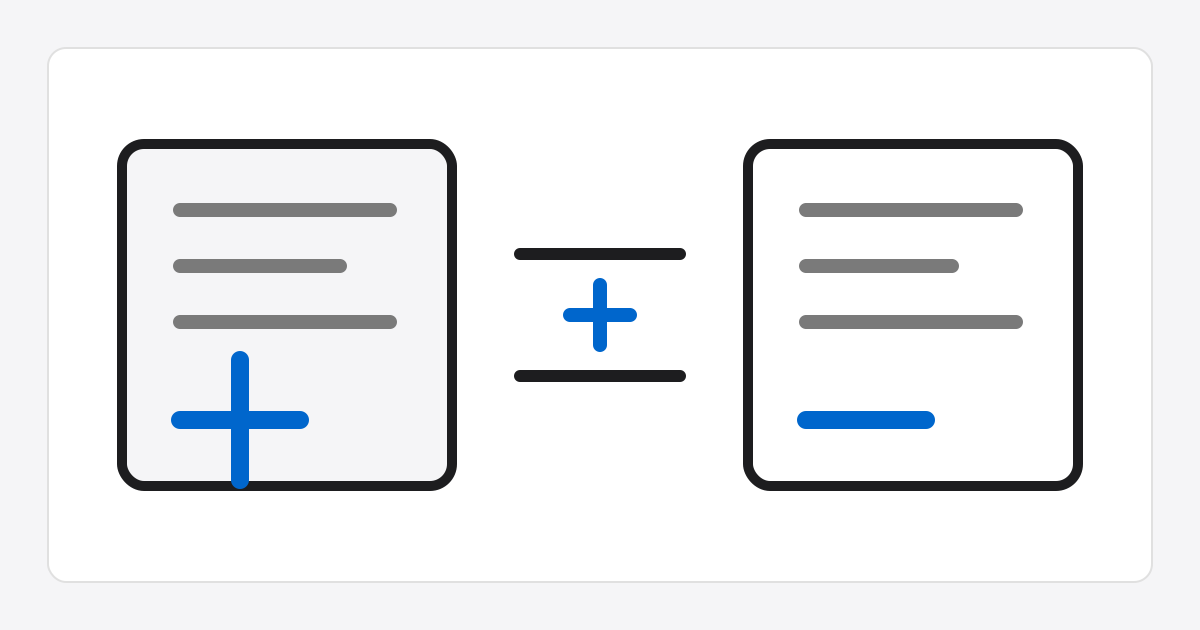
Text diff lets you view two texts side by side and quickly find what was added or deleted.
It is useful when you need to focus only on changes, such as reviewing document history, proofreading, or comparing code and configuration values.