
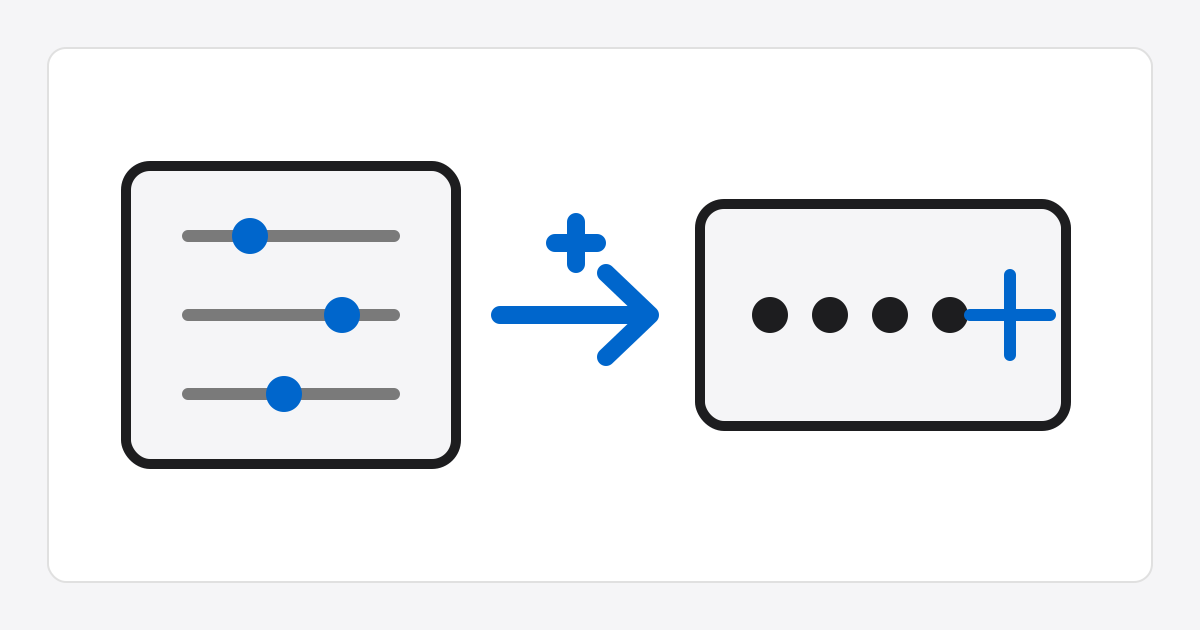
Password Generator
How to use
- Enter the desired password length. The default is 16 characters.
- Choose the character types to include: uppercase, lowercase, digits, or special characters.
- Select Generate to create a password that matches the selected options.
- If you do not like the result, select Generate again to create a new password.
Safe password
A safe password is difficult to guess and combines several types of characters.
Using uppercase and lowercase letters, digits, and special characters together can improve account security.