
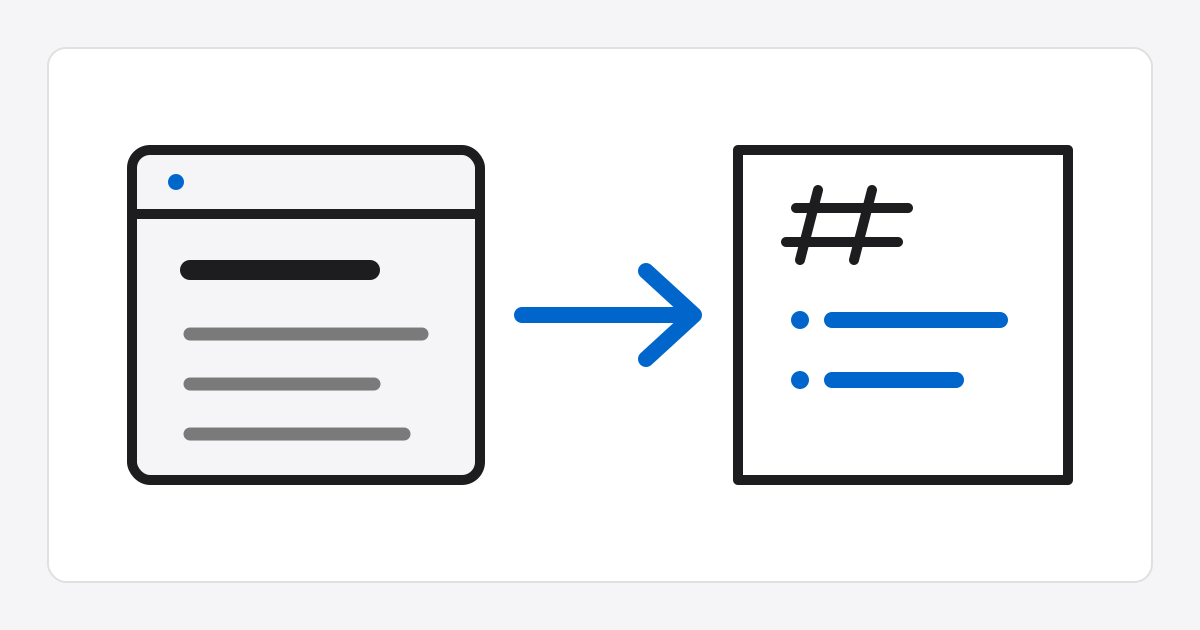
HTML Markdown Converter
How to use
- Enter HTML code and click
Convert to Markdownto generate a sanitized Markdown document on the server. - Use
Load sampleto insert example HTML containing tables, links, lists, and code blocks. - Use the
Copybutton in the result area to save the generated Markdown document to the clipboard. Popup previewrenders the last conversion result as safe HTML and shows it in a sandboxed iframe.Download .mdsaves only the converted Markdown as a file.
Advanced option details
Adjust heading styles, list bullets, emphasis markers, table header inference, automatic links, default titles, and wrap width to match repository or wiki conventions.
Tags to strip and Tags to convert only pass markdownify selection options. The server reports an error if both values are used together.
Conversion limitations
HTML to Markdown conversion is best effort. Complex layouts, nested tables, inline styles, and script behavior may not be fully preserved in Markdown syntax.
Before publishing externally, review the result document and preview together to confirm that the intended structure is preserved.
Preview safety
The preview wraps only the API-sanitized previewHtml in a separate document and places it in srcdoc; the converted result is not inserted directly into the parent page DOM.
The iframe uses only sandbox and grants neither allow-scripts nor allow-same-origin, blocking script execution and access to the parent document.